S4 Leagueis back.
Download the launcher and it installs the game files for you. The game opens in Turkish or English and runs at up to 90 FPS.
Windows may show a warning on first launch. The reason is in the FAQ.
Download the launcher and it installs the game files for you. The game opens in Turkish or English and runs at up to 90 FPS.
Windows may show a warning on first launch. The reason is in the FAQ.
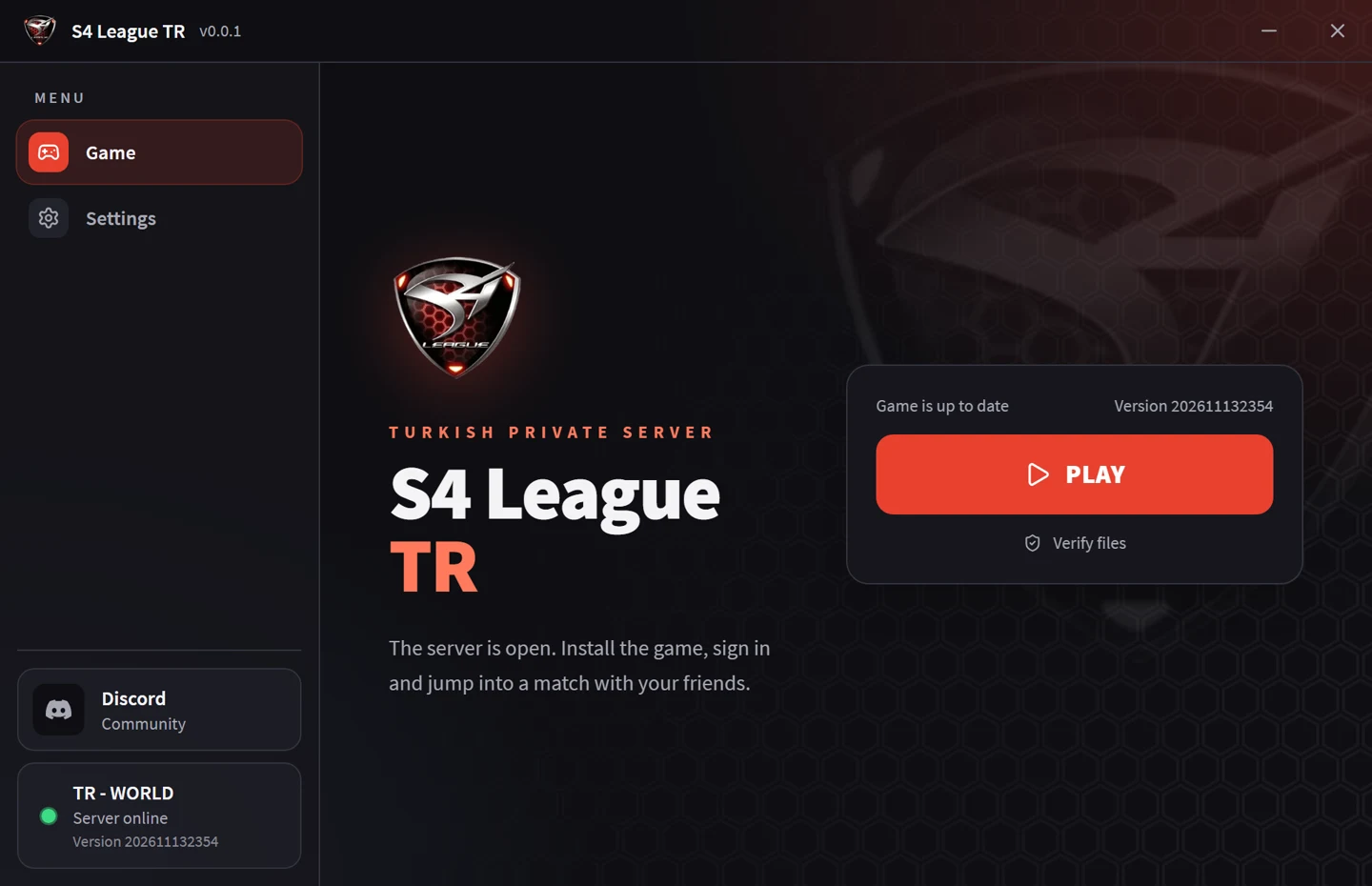
Files come from the server. The launcher checks for updates every time it opens.
The launcher downloads the game files and verifies each one. If the connection drops, it resumes where it stopped.
Menus and the shop come in Turkish. Switch to English in the launcher whenever you like.
The 60 FPS cap is gone. Pick a target between 60 and 90. Anything higher breaks the game's physics.
Costumes, weapons and skills are in the shop. We removed the broken items.
The server stays up and restarts by itself if it ever goes down. Staff can step in on players from inside the game when needed.
The username and password you type on your first login become your account. There is no separate sign-up form.
Four steps. The launcher handles most of them.
Download the zip, run S4League-TR-Setup.exe from inside it and pick your setup language.
Press Install game in the launcher. About 1.7 GB downloads. You can change the folder if you want.
In Settings, choose Türkçe or English and an FPS target.
Press Play and the game opens. Type any username and password on the login screen and your account is created on the first login.
Not answered here? Get in touch.
We have not signed the launcher with a code-signing certificate, so Windows calls it an unrecognized app. Choose More info, then Run anyway. To be sure the file is ours, only download it from this site.
The launcher compares the SHA-256 hash of every file with the list on the server. A file that does not match is not installed.
Contact an admin and they can reset it. Passwords are never stored as plain text.
The launcher shows at the bottom left whether the server is online. If it is online and you still cannot connect, check that your firewall is not blocking the game.
No. It is an independent community server run to play with friends. S4 League and related marks belong to their owners.
The installer is inside the zip. After that the launcher updates itself.